
Tabla de Contenidos
- What Digital Scribing Actually Changes on the Production Floor
- Digital Scribing vs Manual Marking: A Side-by-Side Look
- Material Waste Reduction Techniques That Digital Scribing Makes Possible
- Industrial Automation Benefits Beyond the Cutting Table
- Integrating Digital Scribing with ERP, MES, and CAD/CAM Systems
- Data Security, Compliance, and What to Watch For
- Common Mistakes When Adopting Digital Scribing
- Conclusión
- Preguntas Frecuentes
Last Updated: September 17, 2026
What Digital Scribing Actually Changes on the Production Floor
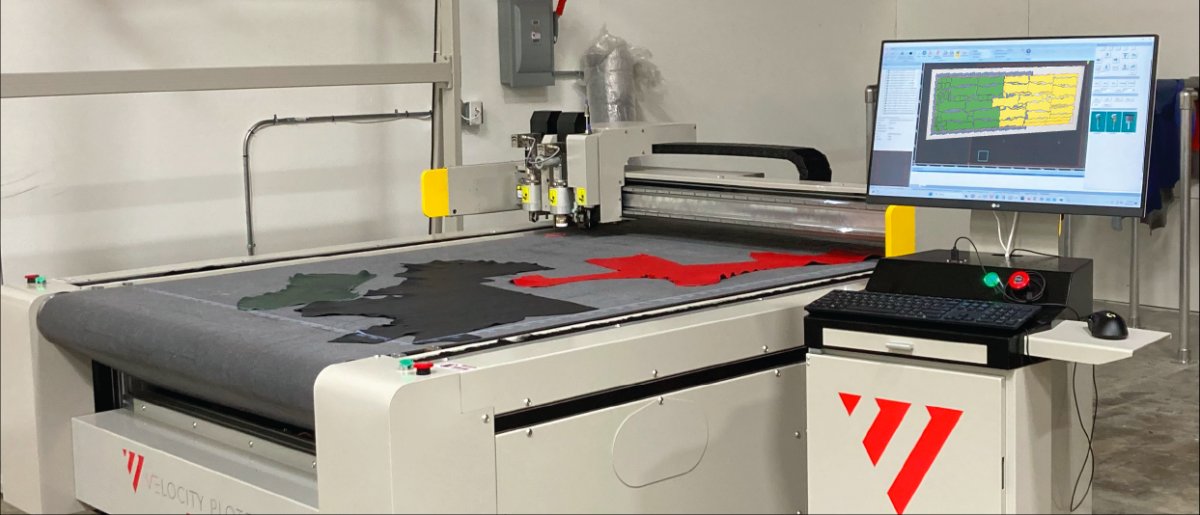
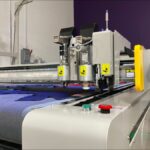
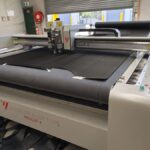
Digital scribing is the use of computer-controlled marking systems to place pattern outlines, drill points, and cut lines directly onto materials, replacing hand tracing and manual templates. The benefits of digital scribing in manufacturing show up fastest where precision and material cost matter most: apparel, automotive interiors, furniture, and technical textiles. Velocity Plotters builds scribing and cutting systems for exactly these production floors.
How Digital Scribing Works: A Plain-English Overview
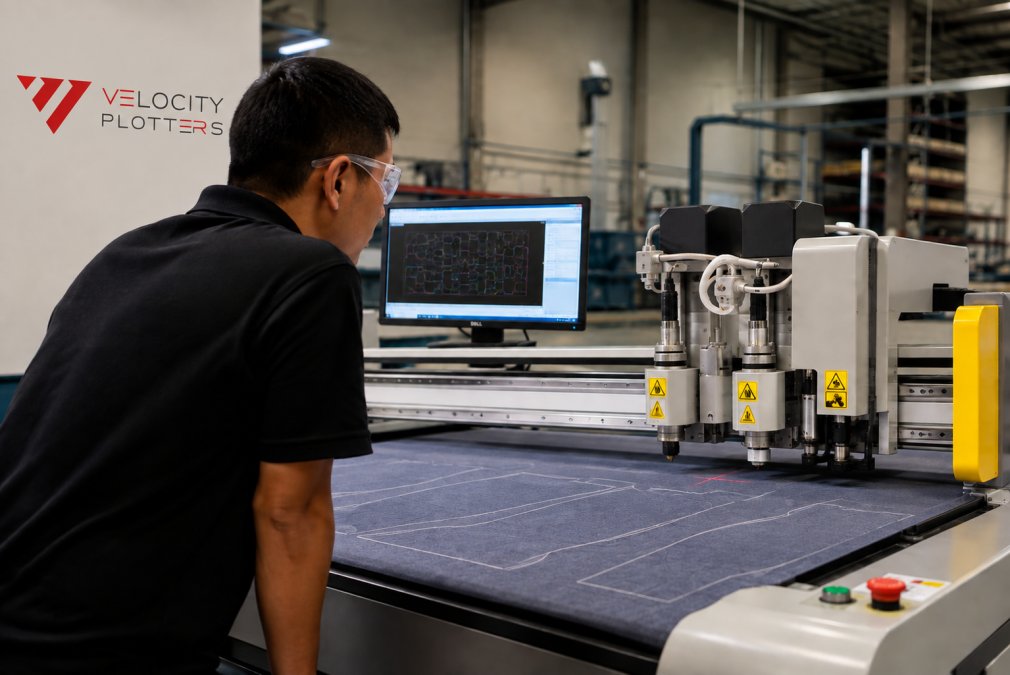
A CAD file feeds the scribing machine. The machine translates that geometry into movement, and a marking head draws the pattern onto the material at production speed. Software handles nesting, so parts are arranged to use as much of each sheet or hide as possible. Operators load material, confirm the job, and monitor output.
The Real Costs of Manual Marking
Manual marking looks cheap because the tools are cheap. The cost hides elsewhere:
- Rework when a traced line drifts off-pattern
- Material lost to conservative nesting that leaves gaps
- Time spent re-measuring after a template wears out
- Training time for every new hire who has to learn the shop’s pattern conventions
Digital Scribing vs Manual Marking: A Side-by-Side Look
The honest comparison comes down to where each method wins. Manual marking still makes sense for one-off prototype work where setup time outweighs precision gains. For repeat production runs, digital scribing wins on nearly every measure that affects cost.
|
Factor |
Manual Marking |
Digital Scribing |
|---|---|---|
|
Pattern consistency |
Varies by operator |
Identical every run |
|
Material use |
Depends on nesting skill |
Software-optimized |
|
Setup for repeat jobs |
Re-trace each time |
Load file, run |
|
Scaling output |
Add more people |
Add machine hours |
|
Documentation trail |
Paper, if any |
Digital record per job |
Material Waste Reduction Techniques That Digital Scribing Makes Possible
Nesting software is the biggest lever. It arranges parts across a sheet or hide to minimize offcuts, and it recalculates in seconds when you change a job. Manual nesting relies on whoever is drawing that day.
Other techniques digital scribing enables:
- Shared-line cutting, where adjacent parts share a boundary
- Marker optimization that accounts for grain direction and stretch
- Reusable digital templates that eliminate re-tracing errors
- Offcut tracking so remnants get used instead of binned
Industrial Automation Benefits Beyond the Cutting Table
La industrial automation benefits extend well past the scribing head. Once patterns exist as digital files, they feed downstream systems: cutting, sewing instructions, quality checks, and costing. Process standardization follows, because every job runs from the same file rather than a shop-floor interpretation of it.
Integrating Digital Scribing with ERP, MES, and CAD/CAM Systems
Integration is where projects succeed or stall. A scribing machine that runs standalone delivers precision. A scribing machine connected to your ERP, MES, and CAD/CAM stack delivers visibility, and visibility is what turns a marking tool into a production asset. This section walks through the data flow, the standards, and the sequence that keeps a rollout on schedule.
How the data actually flows
Think of the scribing machine as the last node in a chain that starts in design and ends in costing:
- CAD/CAM produces the pattern geometry, the outline, drill points, notches, and grain lines. This is the master file. Every downstream system should reference it, not re-create it.
- MES takes that geometry and attaches it to a work order: which job, which machine, which shift, which operator, which material lot. The MES is the traffic controller. It decides what runs next and records what actually ran.
- The scribing machine pulls the job from the MES (or reads the file directly in a lighter setup), marks the material, and pushes back status: start time, stop time, quantity marked, and any fault codes.
- ERP consumes the MES output for material consumption, labor costing, inventory decrement, and job profitability. It rarely talks to the scribing machine directly, and it shouldn’t. Routing machine data straight into ERP is a common architectural mistake that creates brittle point-to-point connections.
File formats and standards to confirm before you buy
Interoperability lives or dies on formats. Ask your vendor these questions in writing:
- Vector formats: Does the system import DXF and DWG natively, or does it require conversion? Conversion steps introduce revision drift, the file on the machine stops matching the file in design.
- Plot/marking formats: HPGL and its variants are still common on marking and plotting equipment. Confirm the machine accepts the format your CAD team exports without a third-party translator.
- Job and status protocols: For MES communication, look for support for OPC UA, MTConnect, or a documented REST API. OPC UA and MTConnect are the two most widely adopted machine-communication standards in discrete manufacturing, and a vendor that supports neither is asking you to build a custom bridge.
- ERP connectors: Most mid-market ERP platforms expose APIs or flat-file import routines. Confirm which one your ERP uses before assuming a “seamless integration” claim is real.
A realistic integration sequence
Rolling out everything at once is how projects stall. A sequence that works:
- CAD/CAM first. Get pattern files flowing to the machine reliably. This alone eliminates re-tracing errors and is the fastest win.
- MES second. Once files flow, connect work orders and job status. This is where the visibility payoff starts, you can see what ran, when, and against which order.
- ERP last. Feed consumption and costing data once the MES data is trustworthy. Pushing unreliable data into ERP is worse than pushing none.
What good integration looks like in practice
When the chain is connected, a supervisor can pull a report that ties a finished job back to the exact pattern revision, the material lot consumed, the machine hours burned, and the labor cost, without anyone re-keying a number. That traceability is the difference between a marking machine and a documented production process. It is also the foundation for the compliance records covered in the next section.
Data Security, Compliance, and What to Watch For
Pattern files are intellectual property. In manufacturing, that data often moves between design offices, production floors, and contract manufacturers, sometimes across borders. A leaked pattern library is not a privacy incident; it is a competitive one. This section treats industrial IP protection as a distinct problem.
Why manufacturing data security is different
Three things separate a factory’s data risk from a typical office’s:
- The asset is the product design. A stolen pattern can be reproduced by a competitor without ever touching your facility. Unlike customer records, a leaked pattern has no remediation, you cannot reissue a design the way you reissue a credit card.
- The network reaches the shop floor. Production equipment increasingly sits on the same network as office systems. A compromised office workstation can become a path to the machines.
- Third parties touch the data. Contract manufacturers, cut-and-sew partners, and material suppliers may receive pattern files. Every handoff is an exposure point.
Practical safeguards that hold up
- Role-based access so operators see jobs, not the full pattern library. The person running the machine needs the job in front of them, not the archive of every design the company has ever produced.
- Audit logs on file transfers. Know who sent which pattern to which partner, and when. If a design shows up in a competitor’s catalog, the log is your starting point.
- Network segmentation between production equipment and general office systems. A separate VLAN for machines is a low-cost control that limits blast radius.
- Clear retention rules for job records. Keep what compliance requires, purge what it does not. Unbounded retention is unbounded liability.
- Encryption in transit for any file leaving the building. Email attachments of pattern files are the most common leak vector in small and mid-size shops.
Compliance and traceability obligations
In regulated sectors, documentation requirements may extend to traceability of materials and processes, not just the finished product. Depending on what you make and who you sell to, you may be asked to produce records showing which material lot went into which job, which revision of a pattern was used, and who approved the run. Confirm your system can generate those records on demand rather than reconstructing them after the fact.
Before your next contract-manufacturer handoff, ask one question: can you produce a log showing exactly which pattern files that partner received and when? If the answer requires digging through email, your audit trail is not real. Fix it before a customer asks.
The trust signal that wins B2B deals
Increasingly, manufacturing customers ask about data handling during procurement. A shop that can describe its access controls, its audit logging, and its retention policy in plain terms has a quiet advantage over one that cannot. Security is not just risk mitigation, it is a sales asset.
Common Mistakes When Adopting Digital Scribing
The pattern in failed rollouts is predictable. Teams underestimate training, overestimate how fast operators will trust the machine, and treat the software as an afterthought.
What goes wrong most often:
- Buying hardware before mapping the workflow. Know how a job travels from design to cut before you shop.
- Skipping operator input. The people running the machine daily will spot problems your spec sheet missed.
- Ignoring user adoption rates. A system nobody trusts gets bypassed, and manual marking creeps back in.
- No baseline measurement. If you do not measure current waste and cycle time, you cannot prove the improvement later.
Measure your current waste rate and cycle time before installation. Without a baseline, you cannot tell whether the system is working, and you cannot defend the investment to leadership.
Conclusión
The hard part is not the technology. It is the workflow change, the training, and the discipline to measure results honestly. Velocity Plotters builds scribing and cutting systems with the hardware and software integration already handled, so your team spends its time on production rather than on making two systems talk to each other. Our systems are designed for material waste reduction across leather, canvas, and technical fabrics, with world-class technical support that keeps a production run moving.
Preguntas Frecuentes
How does digital scribing improve manufacturing precision?
Digital scribing uses CAD-driven instructions to mark patterns directly onto materials, removing the human variation that comes with manual tracing. Where a hand-held marker might drift by a few millimeters over a long run, a digital system repeats the same path exactly, piece after piece. That consistency matters most with complex shapes, tight tolerances, and materials like leather or technical textiles where a small error means a scrapped panel. The result is fewer rejects, less rework, and a pattern that matches the design file every time.
What is the difference between manual and digital scribing in industrial production?
Manual marking relies on paper templates, chalk, or pens and depends on operator skill and attention. Digital scribing replaces that with a machine that reads a digital file and marks or cuts the material automatically. The practical differences show up in speed, repeatability, and data. Manual marking is slower, harder to audit, and produces no digital record. Digital scribing is faster, consistent across shifts, and generates data you can feed into ERP or MES systems for tracking and process improvement.
Can digital scribing reduce material waste in textile and furniture manufacturing?
Yes, and the savings come from nesting. Nesting software arranges pattern pieces on the material to use as much of the roll or hide as possible, which is difficult to do well by hand. Digital scribing then marks those nested layouts accurately so the cutting team follows the optimized plan instead of guessing. For furniture and textile operations cutting expensive materials, even a small percentage improvement in yield adds up across thousands of units per year. The exact savings depend on your patterns, materials, and current waste rate.
How does digital scribing integrate with existing ERP or MES systems?
Most digital scribing systems connect to your existing software through standard file formats and APIs. Your CAD/CAM output feeds the scribing machine directly, and production data flows back to ERP or MES for job tracking, material consumption, and reporting. The integration work depends on your current stack, but the goal is to avoid double entry and keep one source of truth. Ask your vendor about supported formats, API access, and whether they have experience connecting to the systems you already run.

 ES
ES  EN_US
EN_US