
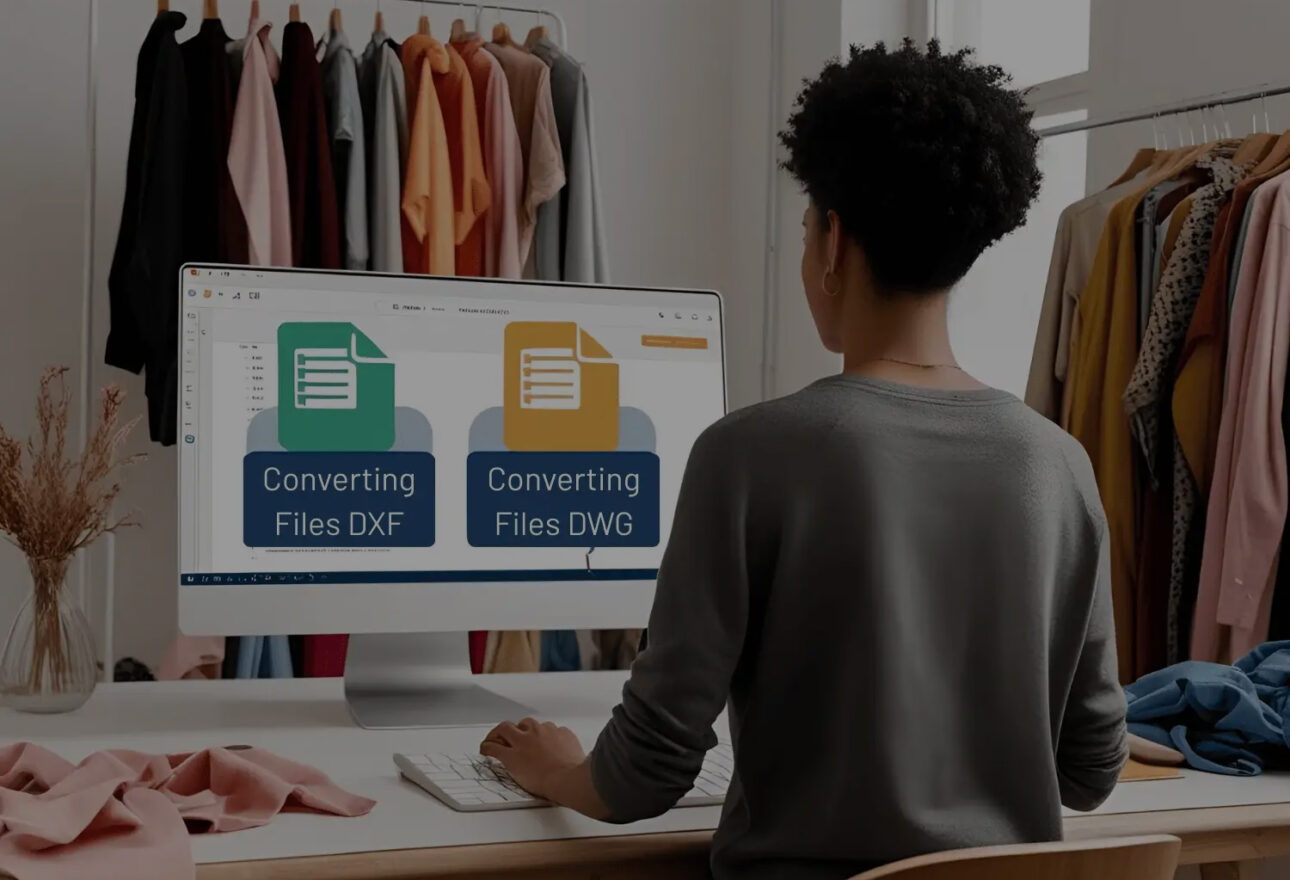
If your business receives PDF sewing patterns, DXF pattern files, or DWG CAD files, getting those digital files printed at full size can become an unnecessary production bottleneck.
Some users purchase electronic PDF patterns online and print them on a standard desktop printer using 8.5″ × 11″ sheets. The individual pages then have to be aligned and taped together to reconstruct the original full-size pattern.
Other businesses have a different problem: they receive DXF or DWG files, but don’t have software capable of converting those CAD files into the PLT or HPGL printing files needed for their plotting workflow.
EasyPlot software combined with a Velocity wide-format pattern or marker plotter provides a practical solution for both workflows.
Instead of assembling dozens of sheets or struggling to get CAD files into a format your plotter can use, EasyPlot can convert compatible PDF, DXF, and DWG files into PLT or HPGL plotter-ready files.
The resulting file can then be sent to a Velocity Plotter to produce a full-size pattern or marker.
The Problem with Printing PDF Patterns on 8.5″ × 11″ Paper
Digital patterns have made purchasing and transferring patterns much easier.
Printing them can be another story.
A customer may purchase a downloadable PDF pattern only to discover that the pattern has been divided across dozens of standard letter-size pages.
The traditional workflow becomes:
Purchase PDF → Download PDF → Print Multiple 8.5″ × 11″ Pages → Trim Pages → Align Pages → Tape Pages Together → Create Full-Size Pattern
For an occasional home sewing project, this may be manageable.
For a professional pattern maker, sample room, apparel manufacturer, upholstery shop, sewn-products manufacturer, or production facility, however, repeatedly assembling patterns from individual sheets can consume valuable labor and production time.
There is another option:
Print the pattern at full size on a wide-format pattern plotter.
EasyPlot: From Digital Pattern File to Plotter-Ready File
EasyPlot provides the conversion step between compatible digital pattern/CAD files and a wide-format plotting workflow.
Depending on the source file, the workflow can be:
PDF → EasyPlot → PLT/HPGL → Velocity Plotter
or:
DXF → EasyPlot → PLT/HPGL → Velocity Plotter
or:
DWG → EasyPlot → PLT/HPGL → Velocity Plotter
Instead of reconstructing a large pattern from individual sheets, the pattern can be prepared as a plotter-ready file and printed at full size on a compatible Velocity wide-format plotter.
How Do I Print a PDF Sewing Pattern at Full Size?
f you purchase electronic PDF sewing or pattern files, you may be accustomed to printing them on a regular desktop printer.
That often means printing many 8.5″ × 11″ pages and taping them together.
For compatible PDF pattern files, EasyPlot offers another workflow.
Step 1: Receive or Download Your PDF Pattern
Purchase or receive your electronic pattern file.
Step 2: Open the Compatible File in EasyPlot
Use EasyPlot to prepare and convert the compatible PDF pattern information into a plotting format.
Step 3: Create a PLT or HPGL File
EasyPlot converts the compatible source file into a PLT or HPGL file that can be used in a wide-format plotting workflow.
Step 4: Send the File to Your Velocity Plotter
The resulting PLT/HPGL file can then be sent to a compatible Velocity pattern or marker plotter.
Step 5: Plot Your Pattern at Full Size
Instead of assembling numerous letter-size pages, the pattern can be produced on wide-format paper at its intended size.
PDF Pattern → EasyPlot → PLT/HPGL → Velocity Plotter → Full-Size Pattern
What If I Receive a DXF Pattern File?
This is another common challenge for apparel, sewn-products, upholstery, furniture, automotive, marine, and other pattern-based businesses.
A designer, customer, CAD department, contractor, or pattern maker may send you a DXF file.
You have the pattern data—but you still need to print it.
A DXF file and a plotter printing file are not necessarily the same thing.
If your existing workflow requires PLT or HPGL, you need a way to convert the DXF file into the appropriate plotting format.
That’s where EasyPlot becomes particularly useful.
The workflow is straightforward:
Receive DXF → Import into EasyPlot → Convert to PLT/HPGL → Send to Velocity Plotter → Print Pattern or Marker
This gives businesses that regularly receive DXF pattern files a straightforward bridge between their CAD data and their physical wide-format patterns.
Can EasyPlot Convert DXF to PLT?
Yes. EasyPlot can convert compatible DXF files into PLT plotter-ready files.
This is especially useful when a customer, designer, or CAD department supplies a DXF file but your plotting workflow requires PLT.
Instead of searching for another CAD system simply to produce the printing file, EasyPlot provides the conversion step needed to move the pattern toward production.
Can EasyPlot Convert DXF to HPGL?
Yes. EasyPlot can also convert compatible DXF files into HPGL plotting files.
HPGL—Hewlett-Packard Graphics Language—is a widely recognized plotting language used by many plotter workflows.
This means businesses receiving DXF pattern files can use EasyPlot to create the HPGL output needed for compatible plotting equipment.
Can EasyPlot Convert DWG Files for Plotting?
EasyPlot also supports compatible DWG-to-plotting workflows.
If you receive DWG CAD files but need a PLT or HPGL file to send to your plotter, EasyPlot can provide the conversion step.
The workflow becomes:
DWG → EasyPlot → PLT/HPGL → Velocity Plotter
This can be particularly useful for companies receiving CAD files from outside designers, engineering departments, contractors, customers, or other software environments.
What Is a PLT File?
A PLT file is commonly used to communicate plotting information to compatible wide-format plotters.
Rather than functioning like a conventional office document, the file contains plotting instructions that tell compatible equipment how the drawing, pattern, or marker should be reproduced.
For pattern-based businesses, PLT provides a practical way to move digital geometry from software to a physical wide-format output.
What Is an HPGL File?
HPGL stands for Hewlett-Packard Graphics Language.
It was developed as a language for controlling plotters and continues to be used in plotting and CAD-related workflows.
For EasyPlot users, the important point is simple:
If you receive a compatible PDF, DXF, or DWG file but your plotting workflow requires PLT or HPGL, EasyPlot can provide the conversion bridge.
EasyPlot + Velocity Plotters: One Complete Workflow
The combination of EasyPlot and a Velocity Plotter creates a streamlined digital-to-physical pattern workflow:
RECEIVE THE FILE
PDF | DXF | DWG
↓
CONVERT THE FILE
EasyPlot
↓
CREATE THE PRINTING FILE
PLT | HPGL
↓
SEND TO THE PLOTTER
↓
Full-Size Pattern | Production Marker
This workflow can reduce the number of manual steps between receiving a customer’s digital pattern and producing a physical pattern or marker.
What Size Patterns Can I Print with a Velocity Plotter?
Velocity Plotters offers several wide-format solutions depending on the type and width of patterns or markers being produced.
Up to 49″ — Pattern Plotting
A 49-inch pattern plotting solution is well suited for individual patterns, sample rooms, designers, pattern makers, schools, fashion programs, and businesses that do not require the wider widths associated with production markers.
Up to 66″ — Wide-Format Marker Plotting
A 66-inch Velocity marker plotter provides additional width for apparel markers, larger patterns, and production applications.
This size is commonly appropriate when the goal is to print multiple pattern pieces arranged into a production marker.
Up to 72″ — Wide-Format Marker Plotting
For businesses requiring even wider output, Velocity also offers plotting solutions capable of printing up to 72 inches wide.
The appropriate plotter width depends on the maximum width of the patterns and markers your operation needs to produce.
Who Can Benefit from EasyPlot?
EasyPlot and wide-format pattern plotting can be useful across industries where full-size digital patterns, templates, or markers need to become physical output.
Applications can include:
- Apparel and garment manufacturing
- Fashion design
- Pattern making
- Sample rooms
- Cut-and-sew manufacturing
- Sportswear
- Uniform manufacturing
- Upholstery
- Furniture manufacturing
- Interiores de automóviles - Asientos, salpicaderos y materiales aislantes con tolerancias estrictas.
- Marine canvas and boat upholstery
- Technical textiles
- Industrial sewing
- Education and fashion programs
- Contract sewing operations
- Other sewn-products manufacturers
The common problem is the same:
You have a digital file. You need a full-size physical pattern or marker.
EasyPlot helps bridge that gap.
Stop Taping Patterns Together
If your current process looks like this:
PDF → Desktop Printer → Dozens of 8.5″ × 11″ Sheets → Cut → Align → Tape → Pattern
consider moving toward:
PDF → EasyPlot → PLT/HPGL → Velocity Plotter → Full-Size Pattern
And if your problem isn’t PDF but CAD files:
DXF/DWG → EasyPlot → PLT/HPGL → Velocity Plotter → Full-Size Pattern or Marker
The goal is straightforward: reduce unnecessary manual preparation and get from the digital file to a usable full-size pattern more efficiently.
Preguntas Frecuentes
How can I print a PDF sewing pattern without taping pages together?
For a compatible digital PDF pattern, EasyPlot can be used to prepare the file for a wide-format plotting workflow. The resulting PLT or HPGL file can then be sent to a compatible Velocity Plotter to produce the pattern at full size.
How do I convert a DXF file to PLT?
Import the compatible DXF file into EasyPlot and use the software to create a PLT plotting file. The resulting PLT can then be sent to a compatible wide-format Velocity Plotter.
How do I convert DXF to HPGL?
EasyPlot can convert compatible DXF files into HPGL format for use in compatible plotting workflows.
Can I convert a DWG file to PLT?
EasyPlot supports compatible DWG file conversion for creating PLT or HPGL output.
Can I print DXF patterns on a wide-format plotter?
Yes. If the DXF file needs to be converted before your plotting system can use it, EasyPlot can convert compatible DXF data into PLT or HPGL output that can then be sent to a compatible Velocity Plotter.
What width plotter do I need for pattern making?
That depends on the maximum width of the patterns or markers you intend to print. Velocity offers solutions for pattern and marker plotting at widths including up to 49″, 66″, and 72″.
Can Velocity Plotters help me determine whether my file will work?
Yes. If you already have a PDF, DXF, or DWG pattern file, contact Velocity Plotters & Cutters to discuss your workflow and file requirements.
Have a PDF, DXF, or DWG File You Need to Print?
Don’t spend hours assembling letter-size sheets or struggle with CAD files that aren’t ready for your plotting workflow.
Convert it. Plot it. Get to production.
Contact Velocity Plotters & Cutters to learn more about EasyPlot File Conversion Software and our 49″, 66″, and 72″ wide-format pattern and marker plotting solutions.
Already have a file?
Send us a sample PDF, DXF, or DWG file and let us help you determine the appropriate EasyPlot + Velocity Plotter workflow for your application.
Velocity Plotters & Cutters
EasyPlot File Conversion Software | Pattern Plotters | Marker Plotters | Pattern Plotter Cutters
¿Te ha gustado el artículo? Síguenos para obtener más información y actualizaciones.

 ES
ES  EN_US
EN_US