
Last Updated: November 26, 2026
Quick Summary
The best software for apparel production planning depends on your production stage, not the longest feature list. Vetigraph handles CAD, grading, marker making and nesting, while V-Shoot digitizes paper patterns and ProCut-X and ProCut XL automate cutting. Match the tool to the manual step costing you the most time.
- Vetigraph’s nesting module supports matching for striped, plaid and printed fabrics with distortion compensation.
- V-Shoot exports DXF, AAMA DXF and PLT so digitized patterns drop straight into CAD and grading.
- Vector and Tecnica One plotters print full-size patterns and markers on paper only, not material.
- Easy-Plot converts DXF, DWG and PDF files to PLT/HPGL for plotters in mixed CAD environments.
- Velocity Plotters offers free material test cuts and pattern digitizing samples before you commit.
Table of Contents
- What is the best software for apparel production planning?
- How We Evaluated These Apparel Production Planning Tools
- Apparel Manufacturing Software: The Five Tools Compared
- Garment Production Tracking Software: Where Planning Hands Off to the Floor
- Apparel ERP Software vs. Production Planning: What Each One Does
- The Best Software to Make Tech Packs (and How It Fits Planning)
- Request a Quote and a Free Material Test Cut
- Frequently Asked Questions
What is the best software for apparel production planning?
The best software for apparel production planning matches your production stage, not the longest feature list.
Apparel production planning is deciding what gets made, in what order, on which line, and with which materials, then keeping that plan visible as work moves through the factory.
Planning software only pays off when the data feeding it is accurate and downstream steps keep pace.
How We Evaluated These Apparel Production Planning Tools
We scored each tool on four practical tests: whether it solves a defined production step, how well it exchanges data with the rest of the workflow, what implementation demands, and whether it scales from a small shop to a mid-size factory.
The evaluation focused on the apparel production planning chain rather than feature counts.
We also weighed support and onboarding. A pattern maker who has done this manually for years needs training that fits the shop floor. Velocity Plotters offers installation and training, including onsite installation in the Los Angeles area.
|
Tool |
Production Step |
Best For |
Data Formats |
|---|---|---|---|
|
Vetigraph |
CAD design, grading, marker making, nesting |
Pattern and CAD teams |
DXF, HPGL, ISO Cutfile |
|
ProCut-X / ProCut XL |
Automatic cutting |
Cutting rooms scaling up |
CAD-driven cut files |
|
V-Shoot |
Pattern digitizing |
Shops moving off paper |
DXF, AAMA DXF, PLT |
|
Vector / Tecnica One |
Pattern and marker plotting |
Pre-production printing |
PLT/HPGL native |
|
Easy-Plot |
File conversion |
Mixed CAD environments |
DXF, DWG, PDF to PLT |
Apparel Manufacturing Software: The Five Tools Compared
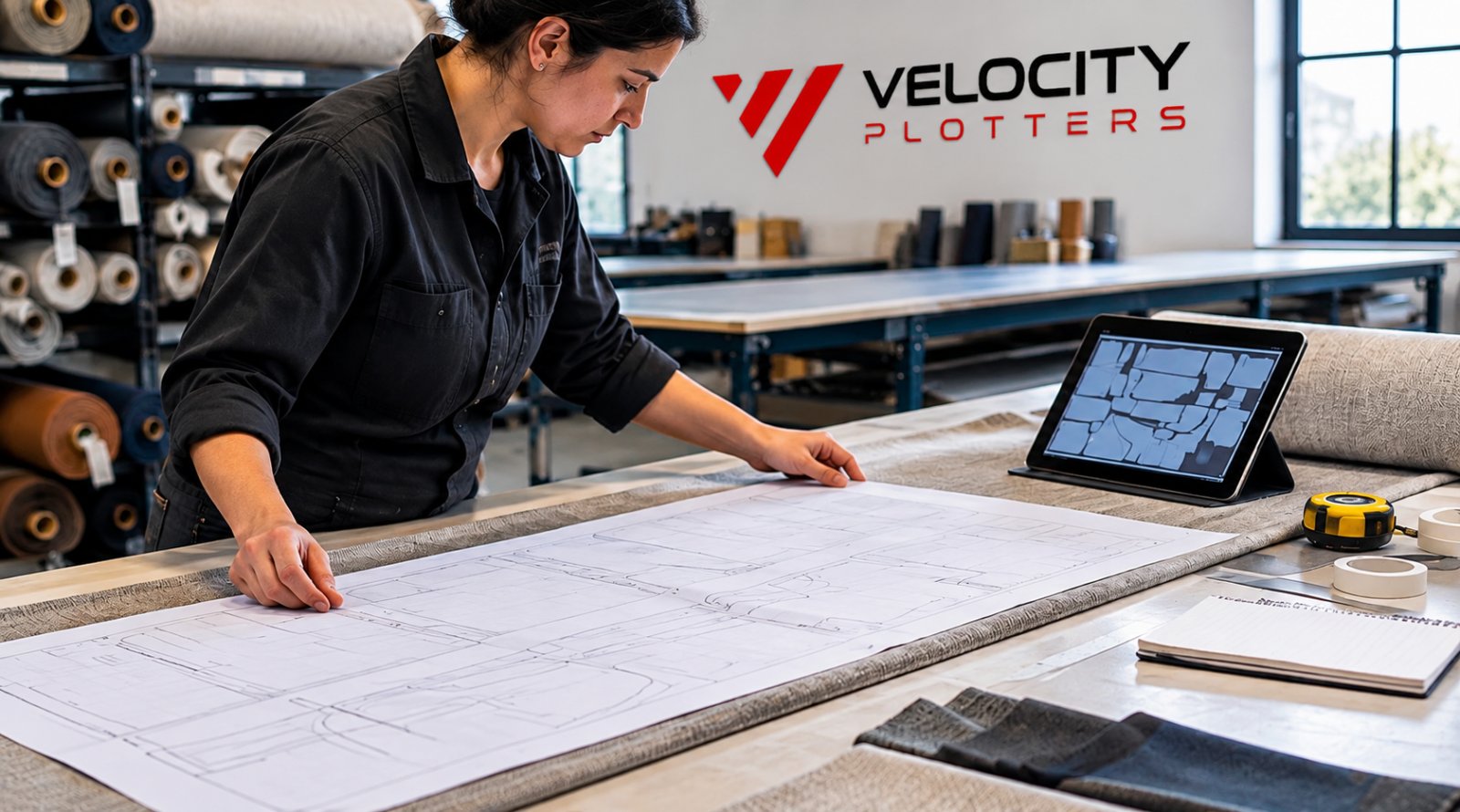
Each tool below covers a distinct stage. Read them as a sequence, not a ranking, because most factories need two or three working together.
1. Vetigraph: CAD, Grading, Marker Making and Nesting
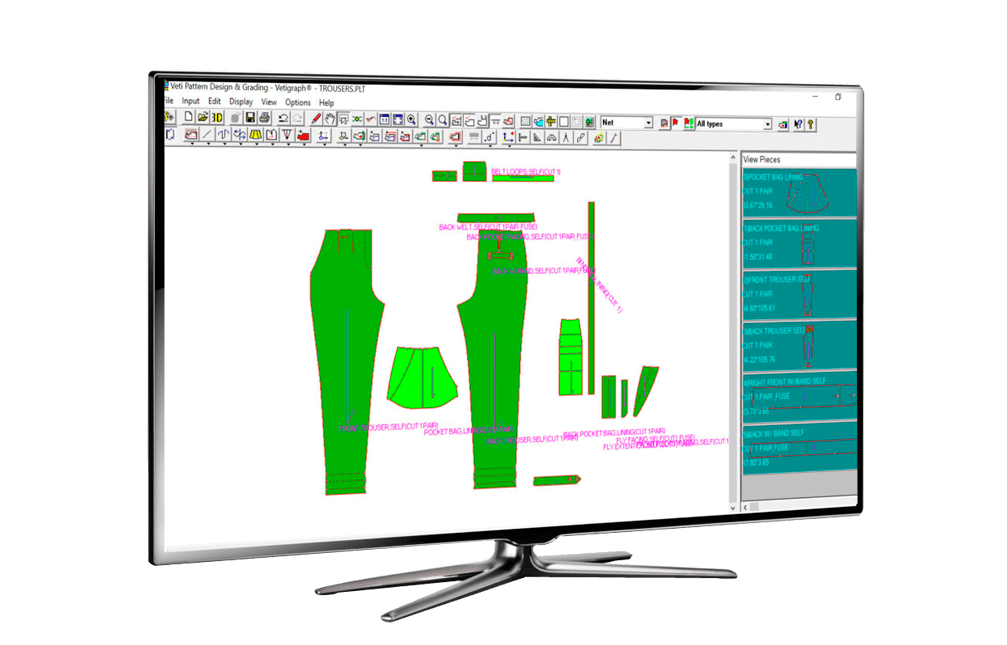
Vetigraph is CAD software for pattern creation, grading, marker making and automated nesting, sold and supported by Velocity Plotters.
The nesting module matters most for cost control. It supports matching for striped, plaid and printed fabrics with distortion compensation.
Best for: pattern and CAD teams that want to cut material waste through smarter nesting. Skip if: your patterns are still on paper and not yet digitized.
See what Vetigraph’s CAD, grading and nesting modules do.
2. ProCut-X and ProCut XL: Automatic Cutting Machines
ProCut-X and ProCut XL are the automatic cutting machines in this lineup. ProCut-X is a single-ply, conveyor cutter.
These machines sit at the end of the plan. Once the marker is nested and the cut file is ready, the cutter executes it.
Best for: cutting rooms ready to move from manual cutting to a computerized workflow. Skip if: your volume does not yet justify the step up from hand cutting.
Compare the two ProCut formats and request a quote.
3. V-Shoot: Camera-Based Pattern Digitizing
V-Shoot is a camera-based pattern digitizing system that converts physical paper patterns into digital files, exporting DXF, AAMA DXF and PLT so output drops straight into CAD and grading work.
V-Shoot is a practical entry point for shops still working from paper, since digitizing preserves the patterns you already use.
Best for: factories moving from manual paper patterns to a digital workflow. Skip if: your patterns already exist as clean digital files.
Learn how V-Shoot works and request a digitizing sample.
4. Vector and Tecnica One: Pattern and Marker Plotters
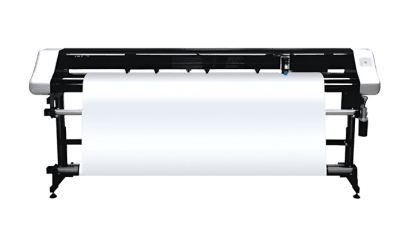
The Vector One, Vector Two, Vector Four and Tecnica One are pattern and marker plotters. They print full-size patterns and markers on paper. They do not cut material, and we are direct about that distinction because buyers often confuse the two categories.
Plotters read PLT, HPGL and HPG files natively. DXF and DWG files need an optional conversion program at extra cost, worth planning for before purchase.
Best for: pre-production plotting of patterns and markers at full size. Skip if: you need material cut, not paper printed.
Explore the Tecnica One pattern plotter.
5. Easy-Plot: CAD File Conversion for PLT/HPGL
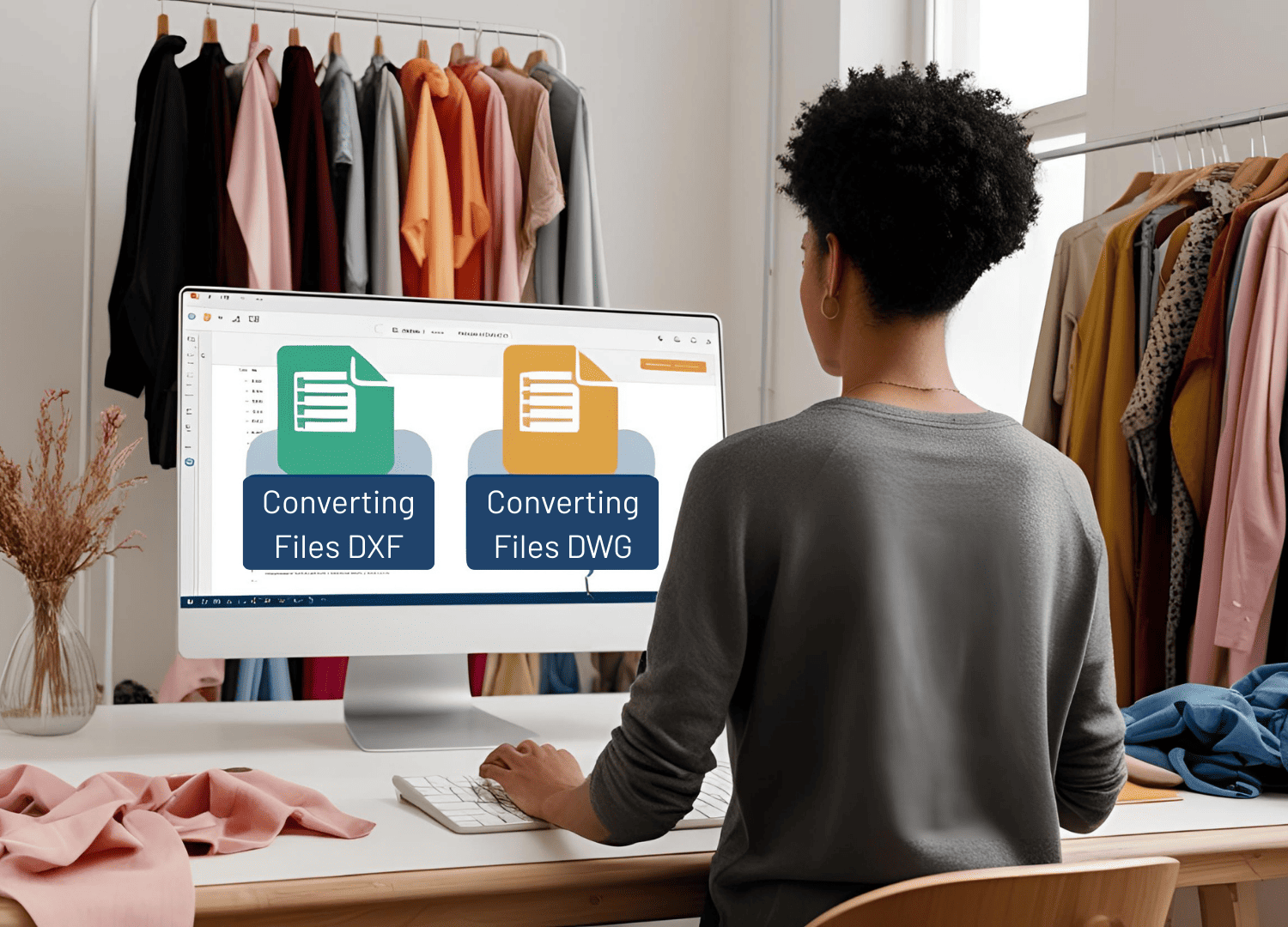
Easy-Plot converts DXF, DWG and PDF files to PLT/HPGL so they can be plotted. It solves a narrow but frequent problem: a CAD file arrives in a format the plotter cannot read directly.
For factories running mixed CAD environments, this utility converts files that the plotter cannot read directly into a printable format.
Best for: shops receiving files from multiple CAD sources. Skip if: every file you plot is already PLT or HPGL.
See how Easy-Plot handles file conversion.
Garment Production Tracking Software: Where Planning Hands Off to the Floor
Garment production tracking software records what is happening on the floor, while planning software decides what should happen. The handoff between them is where most visibility breaks down, and where buyers hear “production planning” and “production tracking” used interchangeably, then discover the two solve different problems.
Planning answers four questions before work starts: how much capacity each line has, in what sequence orders should run, how work is balanced across stations, and which material constraints could block a start. Tracking answers one question during the run: what is actually happening right now, order by order, stage by stage.
The planning mechanics that feed the floor
Four capabilities sit on the planning side of the handoff, and it helps to know which ones a tool actually provides rather than assuming the label covers them.
- Capacity planning compares available line hours against committed orders over a horizon, typically a week or a season, so you can see overload before it becomes overtime.
- Finite scheduling sequences orders against real constraints instead of infinite capacity, so the schedule reflects what the floor can actually produce in the time available.
- Line balancing distributes work across stations so one operation does not starve or bottleneck the rest of the line.
A schedule built without these inputs is a wish list. The floor reports what really happened: a line ran short, a roll came in off-spec, a cut took longer than planned. Tracking captures those deviations; without it, the plan drifts unnoticed until delivery dates slip.
What shop-floor control actually looks like
Shop-floor control closes the gap by moving work orders through defined stages, cut, spread, bundle, receive, in-process, finished, and reporting status back at each stage. The practical test: can a supervisor see, without asking anyone, which work orders are behind and why?
The KPIs that matter at this layer are unglamorous but decisive: work-in-progress by stage, on-time start rate, cut-to-sew lag, and the count of orders held for material.
Where the pattern and cutting steps plug in
The accuracy of the plan depends on the accuracy of the data coming out of pre-production.
That is why these tools matter to tracking even though none is a tracking system. V-Shoot turns paper patterns into clean DXF, AAMA DXF, and PLT files.
Upstream data problems, such as patterns still on paper or cut files that do not match the plotted marker, often limit what a tracking module can show.
How to sequence the purchase
For a small or mid-size factory, the practical order is usually: digitize what is still on paper, get CAD and nesting producing reliable cut files, make sure plotting and cutting keep pace, and only then layer tracking on top. Velocity Plotters supports that sequence with V-Shoot for digitizing, Vetigraph for CAD and nesting, the Vector and Tecnica One plotters for full-size output, and ProCut-X or ProCut XL for cutting.
Apparel ERP Software vs. Production Planning: What Each One Does
Apparel ERP software runs the whole business: finance, purchasing, inventory, order management and reporting in one system. Production planning software focuses on the factory schedule and the steps that feed it.
An ERP answers “what is the state of the business?” A planning tool answers “what should we make next, and can we?” Many factories run both, with the ERP holding orders and inventory while planning tools handle capacity, scheduling and the pattern-to-cut workflow.
Where the boundary actually sits
The cleanest way to see the split is to follow one order through both systems.
|
Question |
Usually answered by |
|---|---|
|
What did the customer order, and at what price? |
ERP (order management, costing) |
|
Do we have the fabric and trim to make it? |
ERP or a dedicated materials planning module |
|
Which line runs it, in what sequence, and when? |
Production planning |
|
Is the marker nested to minimize waste? |
CAD and nesting software |
|
Is the pattern printed at full size for the cutting room? |
Pattern and marker plotter |
|
Was the order cut and is it on schedule? |
Shop-floor tracking |
The distinction matters at buying time. Teams sometimes expect an ERP to fix cutting-room throughput. It will not. ERP tracks inventory and orders; it does not nest a marker or print a pattern. Conversely, a planning tool will not replace your accounting system, and a CAD package will not tell you whether a line has capacity next Tuesday.
MRP and BOM: the overlap zone
Material requirements planning and bill of materials management usually live in the ERP or a dedicated planning module. MRP takes demand, orders, forecasts, or both, and works backward through the BOM to calculate what materials are needed and when.
This is the seam where factories most often duplicate work or drop data. If the BOM lives in the ERP and the marker lives in CAD, the two must agree on what a style contains.
Integrations and data exchange
Integration is where the ERP-versus-planning question becomes practical. The exchanges that matter most in apparel are:
- Orders and demand flowing from the ERP into planning, so the schedule reflects real commitments rather than a spreadsheet copy.
- Inventory and material availability flowing back from the ERP so planning can flag shortfalls before a line goes idle.
- Cut files and markers moving from CAD and nesting into the cutting machine, in formats the machine reads natively.
File format compatibility is part of integration, not an afterthought. Plotters read PLT, HPGL and HPG natively; DXF and DWG files need an optional conversion program at extra cost. Easy-Plot converts DXF, DWG and PDF files to PLT/HPGL, which matters in mixed CAD environments. Planning for that conversion before purchase avoids a stall on day one.
Implementation, onboarding and time to value
Implementation effort is the gap most buying guides leave out, and it is where budgets quietly stretch. A practical sequence for a small or mid-size factory looks like this:
- Map the current workflow, where patterns live, how markers are made, how files reach the cutting room, and where the schedule is tracked today.
- Digitize what is still on paper so downstream tools have clean input.
- Stand up CAD and nesting and confirm the cut files match the plotted markers.
- Bring plotting and cutting up to pace so the plan is not waiting on pre-production.
- Layer tracking and ERP integration once the data feeding them is trustworthy.
Data migration is often the longest step: pattern libraries, style records, and BOMs accumulated over years. Velocity Plotters supports this with onsite installation in the Los Angeles area, plus free material test cuts and pattern digitizing samples so the workflow can be tested on real materials before committing.
Check whether any ERP planning module you consider handles finite scheduling, line balancing, or material constraints before assuming it covers production planning.
Total cost of ownership and contract considerations
Total cost of ownership here is driven less by license line items than by four factors: data migration required, training needed, integrations to build or configure, and manual work removed. A cheaper tool that leaves the marker redrawn by hand every season is not cheaper. Ask each vendor to walk through the same order from receipt to cut and show which steps the software touches. For current pricing, request a quote with your workflow details. Financing through TimePayment can be discussed alongside it.
The Best Software to Make Tech Packs (and How It Fits Planning)
The best software to make tech packs is the CAD tool your pattern team already uses, because the tech pack and the pattern should share one source of truth.
Keeping spec and pattern together in CAD shortens the path from design to a printable marker and feeds cleaner data into planning, because the schedule is built on specs that match the pattern that will actually be cut.
Request a Quote and a Free Material Test Cut
The fastest way to judge fit is to test the workflow on your own materials and patterns. Velocity Plotters offers free material test cuts and pattern digitizing samples, so you can see output before committing.
Start with the step that costs you the most time today. If it is digitizing paper patterns, test V-Shoot. If it is nesting waste, test Vetigraph.
Frequently Asked Questions
What features should apparel production planning software include?
Look for pattern design and grading, marker making with automatic nesting, capacity planning and production scheduling, bill of materials management, and file compatibility with your existing equipment. Your software should output PLT/HPGL natively for plotters, and DXF or AAMA DXF for digitizing and CAD exchange. If you cut automatically, confirm the software exports a cut file your machine reads. Vetigraph, sold and supported by Velocity Plotters, covers pattern, grading, marker and nesting modules and supports DXF, HPGL and ISO Cutfile.
How does apparel production planning software help manage orders and production schedules?
Planning software ties a work order to its marker, material and machine time so the cutting room knows what to run next. Capacity planning shows whether your plotters and cutters can absorb the week’s orders, and scheduling sequences jobs to avoid idle time. The practical result is fewer rush re-cuts and more predictable on-time delivery. Many factories pair planning software with garment production tracking software on the floor, so the schedule reflects what actually happened rather than what was planned.
What is the difference between apparel ERP, PLM, and production planning software?
Apparel ERP software runs the business side: orders, purchasing, inventory, costing and financials. PLM manages product data across the lifecycle, from concept through tech packs and revisions. Production planning software sits closer to the cutting room, handling markers, nesting, capacity and scheduling for the actual make. They overlap at the bill of materials. A small factory can often start with planning and CAD tools, then add ERP as order volume grows, rather than buying an all-in-one system before the workflow is digital.
How do you choose production planning software for a small apparel factory?
Start with your current bottleneck. If patterns are still on paper, digitizing comes first, which is what the V-Shoot camera system handles by exporting DXF, AAMA DXF and PLT. If waste is the problem, marker making and nesting matter most. Then check file compatibility with your plotter or cutter, ask for a free material test cut on your own fabric, and confirm training and support. Financing through TimePayment can spread the cost, and remote installation and training are available outside the Los Angeles area.

 EN_US
 ES