
Last Updated: November 4, 2026
Quick Summary
The best CAD nesting software for upholstery enforces fabric constraints like repeat matching, nap direction, and grain direction as rules, not operator options. Judge any package on seam allowances stored per piece, mirrored pairs, set logic, and reliable DXF, HPGL, and ISO Cutfile handoff to your plotter or cutter.
- Ask to see a striped or plaid fabric nested with a match constraint active before buying.
- Set grain-critical panels to 0° and 180° rotation only, and never mirror nap-constrained pieces.
- Nest to the narrowest usable roll width in the lot so every marker runs on every roll.
- Benchmark on your worst multi-piece set and compare complete sets per roll, not pieces.
- Vetigraph handles pattern creation, grading, marker making, and nesting, and Velocity sells and supports it.
Table of Contents
- What to Look For in Upholstery CAD Software
- Pattern Digitizing for Upholstery: Getting Paper Patterns Into CAD
- CAD Nesting Software File Formats and Production Handoff
- How to Reduce Fabric Waste in Upholstery Production
- Comparing the Options: Vetigraph and the Velocity Workflow
- Request a Demo or Digitizing Sample for Your Own Patterns
- Frequently Asked Questions
What to Look For in Upholstery CAD Software
The best CAD nesting software for upholstery handles fabric constraints, irregular multi-piece shapes, and production handoff in one workflow. These criteria help separate a nesting tool that earns its place in production from one that sits unused.
Upholstery is not garment work with bigger pieces. A sofa cover set includes curved arms, gussets, and cushion panels that nest poorly in rows, and fabric adds rules a generic nesting engine ignores: repeat matching, nap direction, and grain direction all constrain rotation before the algorithm starts. For a full walkthrough of CAD nesting and marker-making software, see the complete guide.
Upholstery-Specific Comparison Criteria
Judge any package against the same short list, the features that decide whether a nested marker is usable on the cutting table or must be reworked by hand.
- Seam allowances: Store seam allowance as a property of the pattern piece, not a manual offset drawn into the outline, so every dependent piece updates when it changes. Ask to see a piece edited from a 1/2″ allowance to a 5/8″ allowance and confirm the notch positions move with it.
- Notches and balance marks: Notch placement has to survive grading and nesting, and notches must export to the plotter and cutter as part of the tool path, not as a separate annotation layer that gets lost.
- Grain lines and directional arrows: Every structural panel needs a grain line the nesting engine reads as a rotation constraint. If the grain line is only a drawn line, the engine will rotate the piece freely and the marker will be wrong.
Fabric Constraints: Repeat, Nap and Grain Direction
Fabric constraints override raw yield. A layout that saves material but breaks a stripe match at the cushion seam is scrap, not savings. The difference between a generic nesting engine and an upholstery-capable one is whether these constraints are enforced as rules or left to the operator.
- Repeat matching: Striped, plaid, and printed fabrics must align across adjacent pieces. The engine needs matching and distortion compensation built in, plus the repeat size and match point on each piece. A common pattern is to define the match reference on the piece and let the engine offset the nested copy by whole repeats so the seam lines up.
- Nap direction: Velvet, suede, and brushed fabrics must run one way; a piece flipped to save space will look different under light. Nap is a one-way constraint: the engine may rotate within the allowed range but must never mirror a nap-constrained piece.
- Grain direction: Structural panels must follow the warp. Set the allowed rotation range per piece, for example, 0° and 180° only for grain-critical panels, free rotation for non-directional pieces.
Watch out: a demo that nests plain fabric proves nothing about repeat matching. Ask to see a striped or plaid fabric nested with a match constraint active, and check seam alignment on the printed marker.
Multi-Piece and Irregular Shape Handling
Irregular shapes reward good nesting and punish manual layout. Curved arms, T-cushions, and skirt panels leave odd gaps that only automated rotation and flipping can fill consistently.
Automated nesting software tests thousands of piece arrangements, rotations, and flips in seconds to find the highest-yield layout, as we describe in our nesting workflow guidance. For a multi-piece upholstery set, that speed is the difference between one viable layout and twenty.
Workflow Fit: Small Shop Versus Production Scale
The right package depends on how many people touch the pattern and how often it changes. A one-person custom shop needs fast setup, simple piece editing, and a plotter that prints a marker the same day. A mid-size factory needs set logic, revision control, and a handoff to an automatic cutter that does not require re-keying data. Map the software to the workflow before comparing feature lists, a deep feature set you never use is overhead, not depth.
Pattern Digitizing for Upholstery: Getting Paper Patterns Into CAD
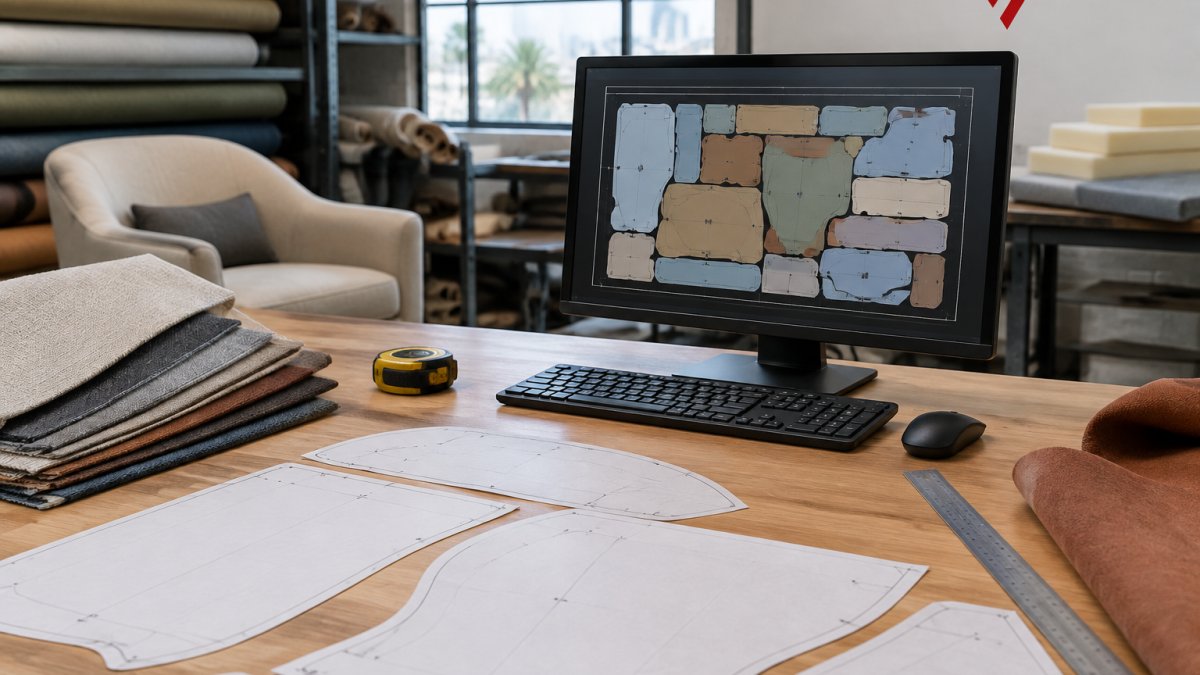
Pattern digitizing for upholstery converts physical paper patterns into CAD-ready files so they can be graded, nested, and cut. Without it, nesting software has nothing to nest.
Most upholstery shops already own decades of paper patterns.
If your patterns live in a filing cabinet, digitizing is step one. See the V-Shoot camera digitizing system for board sizes and export formats.

CAD Nesting Software File Formats and Production Handoff
File format decides whether a nested marker reaches the cutting room intact. The common failure is a perfect layout the plotter or cutter cannot read.
CAD nesting software should import and export DXF, HPGL, and ISO Cutfile at minimum. Upholstery shops also need reliable PLT output for plotters, which read PLT/HPGL natively; DXF and DWG require an optional conversion program at extra cost.
|
Handoff Stage |
Format |
Watch For |
|---|---|---|
|
CAD to nesting |
DXF, native CAD |
Layer and unit mismatches |
|
Nesting to plotter |
PLT/HPGL |
Native support, no conversion |
|
Nesting to cutter |
ISO Cutfile |
Tool path and notch data |
|
Legacy files |
DXF, DWG, PDF |
Conversion via Easy-Plot |
Test the full chain before you buy. A demo that stops at the screen proves nothing about the cutting room.
How to Reduce Fabric Waste in Upholstery Production
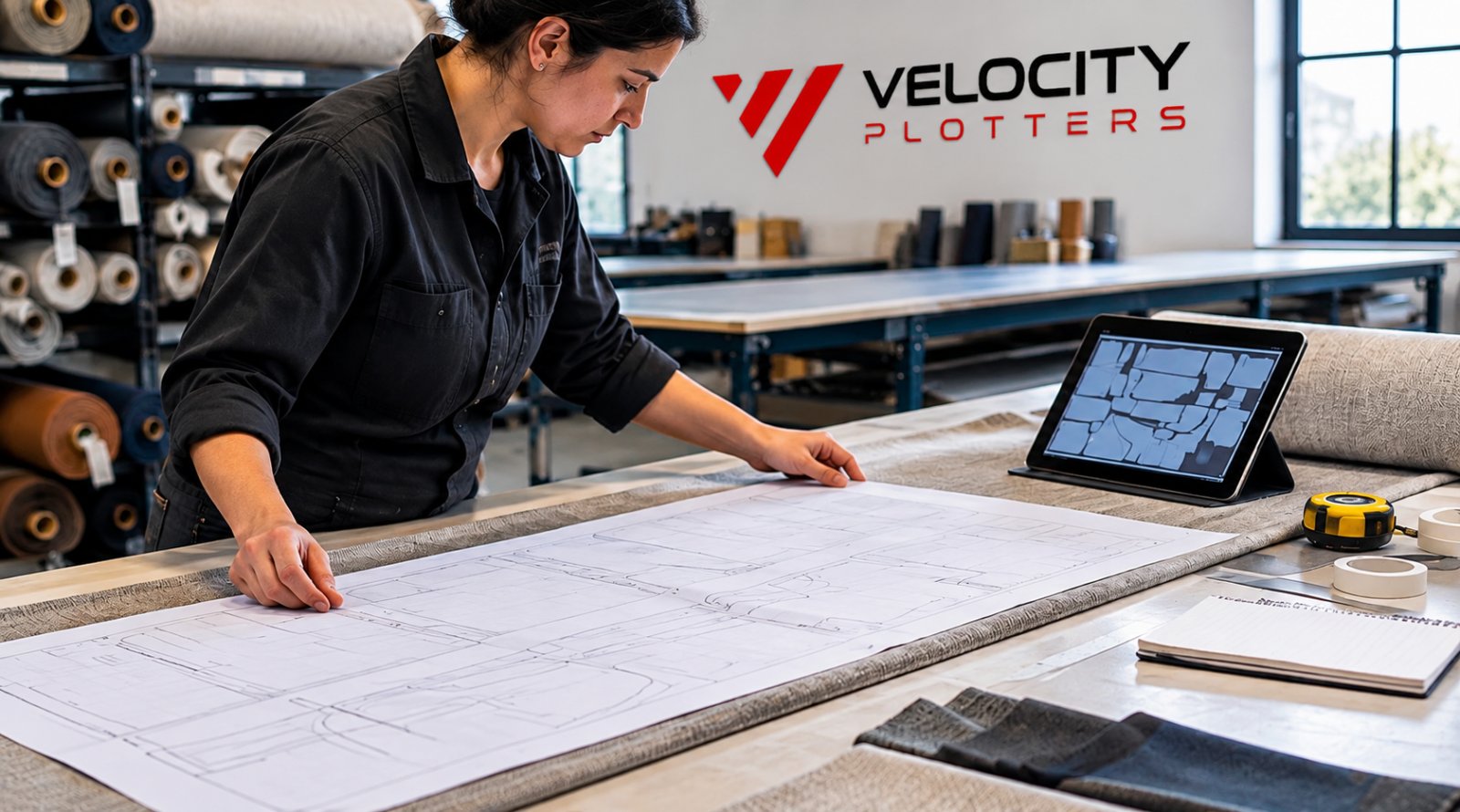
Reducing fabric waste in upholstery production comes down to four levers: better nesting, correct constraint rules, matching roll width to marker width, and cutting the marker the software actually produced. Most shops attack only the first and give back the gains at the cutting table.
Vetigraph – CAD Design and Nesting →
The Four Levers, in Order of Payback
- Nesting quality: Automated rotation and flipping fills the gaps between curved arms and T-cushions that manual layout leaves empty. This is the largest single gain for most shops.
- Constraint rules: Grain, nap, and repeat constraints reduce yield but prevent rework. A marker that nests at a higher yield and breaks a stripe match is not a saving. Set the rules once and let the engine enforce them.
- Roll width versus marker width: A marker 2″ narrower than the roll leaves a strip of waste down every cut. Check roll width against marker width before nesting and let the software use the full usable width, the lever most shops never measure.
- Cutting accuracy: A well-nested marker cut with drift or mislabeled pieces produces scrap. The handoff from nesting to plotter or cutter must preserve the layout exactly.
Roll-Width Strategy
Upholstery fabric comes in fixed roll widths, and the marker has to fit inside the usable width after selvage. Nest to the actual usable width, not a nominal width, and keep a small margin for edge trim. Our own guidance on how to optimize fabric nesting to cut material waste covers roll-width strategy in more detail, and the technical overview of nesting software explains how flat patterns become optimized layouts.
Benchmarking Nesting Results Before You Commit
Benchmark on your own patterns, not a demo file. Ask for a free material test cut or pattern digitizing sample and compare four numbers: material use percentage, nesting time per marker, pieces per roll, and complete sets per roll.
Run the same upholstery set through your manual method first, then through the software, using the same fabric and roll width, and record the four numbers side by side. If the automated layout does not beat your manual yield by a margin that covers the software cost, you have your answer. The first marker often shows a modest gain, and the gain grows as piece count and constraint count rise, exactly the case for a full sofa set on a patterned fabric.
Watch out: benchmarking on a single simple marker flatters every tool, and benchmarking on unconstrained plain fabric overstates the gain. Use your worst multi-piece set with a patterned, nap-constrained fabric, and confirm the benchmark marker was actually cut or plotted, not just displayed on screen, the handoff is part of the result.
Comparing the Options: Vetigraph and the Velocity Workflow
Vetigraph is third-party CAD and nesting software that Velocity Plotters sells and supports.
It supports DXF, HPGL, and ISO Cutfile, integrates with Adobe Illustrator, and runs alongside our hardware: Tecnica One and Vector plotters print markers on paper, V-Shoot brings paper patterns in, and ProCut-X and ProCut XL cut the nested result.
For the full capability list, see the Vetigraph CAD design and nesting product page. Note that Vetigraph is third-party software: we sell, install, and support it, but we do not own it.

Request a Demo or Digitizing Sample for Your Own Patterns
The only benchmark that matters is your own cutting room. Ask about a free pattern digitizing sample or material test cut for your own patterns.
Our furniture and upholstery manufacturing solutions cover fabric, leather, vinyl, foam, and canvas across plotting, digitizing, and cutting.
Contact Velocity Plotters to request a free material test cut or pattern digitizing sample using your own patterns.
Frequently Asked Questions
What should upholstery manufacturers look for in CAD nesting software?
Prioritize four things: how the software handles fabric repeat, nap and grain direction; whether it can nest irregular multi-piece upholstery patterns with rotation and flipping; which file formats it imports and exports; and whether the vendor supports the hardware that follows, such as a plotter or cutter. Vetigraph, which Velocity Plotters sells and supports, covers pattern design, grading, marker making and automated nesting with matching for striped, plaid and printed fabrics, so it is a reasonable starting point for a demo.
How does nesting software help reduce fabric waste?
Automated nesting tests thousands of piece arrangements, rotations and flips in seconds to find the highest-yield layout, work that is slow and inconsistent by hand. Real savings depend on your pattern shapes, fabric width and constraints like repeat matching, so ask for a benchmark on your own markers rather than relying on a vendor’s headline number.
What file formats should upholstery nesting software support?
Look for DXF and AAMA DXF import and export, plus PLT/HPGL output for plotters, and ISO Cutfile or equivalent if you plan to send markers to an automatic cutter. Velocity’s plotters read PLT/HPGL natively, while DXF and DWG need an optional conversion program such as Easy-Plot at extra cost. Confirm the exact formats your CAD package and downstream equipment require before you buy, and test a real file in both directions.
Can existing upholstery patterns be digitized for CAD?
Yes. A camera-based system such as the V-Shoot Camera Digitizing System converts paper or cardboard patterns into CAD-ready files, exporting DXF, AAMA DXF and PLT/HPGL, and works with Vetigraph, AutoCAD and other CAD packages. It vectorizes multiple pieces in one capture and stays accurate within 0.039 inches on boards under 79 inches. For oversized pieces, fractional digitizing splits the pattern across captures. Velocity offers free pattern digitizing samples so you can check the output on your own patterns first.
How can a manufacturer test CAD nesting software with its own patterns?
Send a representative set of your markers, including your most awkward irregular pieces and any repeat-matched fabrics, and ask for a benchmark that reports material utilization against your current manual layout. Compare nesting time, cutting time and the resulting yield, not just a demo video. Velocity Plotters offers free material test cuts and pattern digitizing samples, plus a Vetigraph demo on request, so you can evaluate results on your own production data before committing.
Send us your toughest multi-piece upholstery set. We will digitize it, nest it, and show you the yield difference against your manual layout, then quote the hardware and software to match.

 EN_US
 ES