Stop Taping.
Start Plotting.
Convert PDF patterns into plotter-ready PLT or HPGL files, then print the complete pattern at full scale on a compatible Velocity wide-format plotter.
Convert your DXF, DWG and AAMA DXF files into PLT or HPGL and print them directly on your plotter.
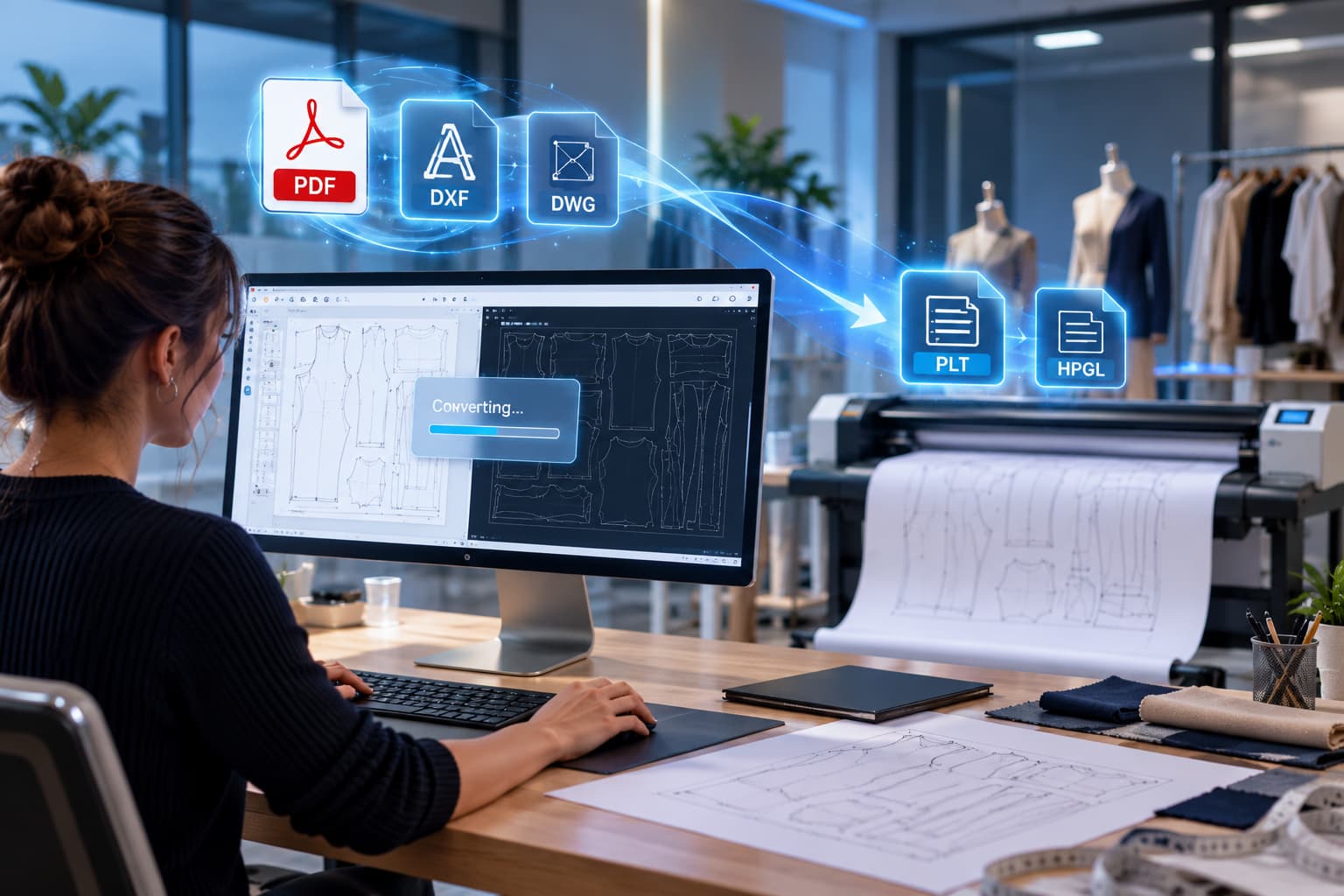
AAMA DXF / DWGFiles to convert
Still Taping Your PDF Patterns Together?
If you buy or work with digital PDF patterns and still have to print, trim, align and tape letter-size pages, it's time to upgrade your workflow.
Print, Trim, Align, Tape, Repeat.
Convert Once. Plot Full-Size.
From PDF to Full-Size Pattern in Minutes
Watch a tiled PDF pattern become one complete, full-scale print on a Velocity plotter. Just roll it out on the table and you're ready to cut.
Have Files Your Plotter Can't Read?
If you create or receive DXF, DWG or AAMA DXF files and can't turn them into a format your plotter accepts, EasyPlot converts them for you.
Files You Can't Plot.
Convert It. Plot It.
Your PDF, DXF, AAMA DXF or DWG Files,
Converted to PLT or HPGL.
Full-Size. Four Clear Steps.
Download
Download or receive your PDF, DXF, AAMA DXF or DWG file.
Place
Save your file into the EasyPlot Queue folder for processing.
Convert
EasyPlot prepares plotter-ready PLT or HPGL output, typically within one minute.
Plot
Review the output, send it to your compatible plotter and print at the required scale.
Perpetual Software License
A one-time purchase for one designated computer, with no ongoing subscription fees. Need to move the license later? Velocity's service team can assist with transfer and reactivation.
From Sewing Rooms to Industrial Floors
What to Know Before You Plot
EasyPlot is designed to make conversion straightforward, but production files should always be checked before final output.
Does EasyPlot work with every PDF?
EasyPlot converts PDF files. Send Velocity a sample pattern so the team can confirm the appropriate conversion and plotting workflow.
Do I need to operate EasyPlot for every file?
No. Files placed in the Queue folder can be detected and processed automatically, without manual interaction for each conversion.
Can I use one license on multiple computers?
Each standard license is intended for one computer. Multi-computer use requires a special licensing agreement.
Can the license be transferred?
Yes. Velocity's service team can assist with the proper transfer and reactivation on another computer.
Will text look exactly the same?
Not always. PLT does not support filled fonts the same way modern design formats do, so text may become outline geometry. Always review converted output before plotting.
What equipment do I need?
You'll need a computer, EasyPlot and a compatible wide-format plotter that accepts PLT or HPGL output. Velocity can help configure the right setup.

 EN_US
 ES